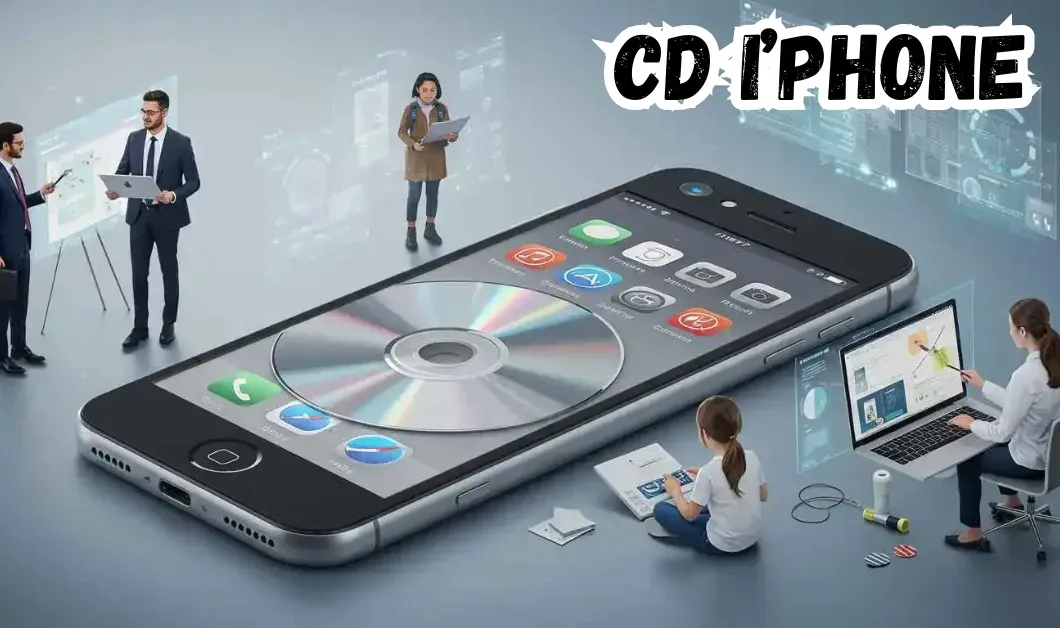
Music lovers often face the challenge of moving tracks from old CDs to modern devices. CDiphone steps in as a fresh answer to this problem. It acts as a bridge between physical discs and digital playback on Apple gadgets. Think of it as a simple app that turns your CD collection into portable tunes. In a time when streaming rules, many still cherish their CD libraries. These hold rare recordings or sentimental albums not found online. It makes sure these treasures reach your iPhone without hassle. It uses smart tech to rip and sync music files quickly. This tool arrived when people needed easy ways to preserve audio heritage. With iPhones lacking built in CD drives, It fills that gap. It supports various formats and keeps sound quality high. Users can enjoy their favorites on the go.
Music transfer started with basic copying in the early days. People used cassette tapes to dub songs. Then came CDs, which offered better sound but still needed physical handling. Digital era brought MP3 players. Users ripped CDs using software like iTunes. This involved computers and cables. It worked, but felt clunky. Smartphones changed everything. iPhones became music hubs. Yet, getting CDs onto them required multiple steps. Import to computer, then sync via USB. Apps emerged to simplify this. Some allowed wireless transfers. Others focused on cloud storage. But many lacked speed or compatibility. Enter CDiphone. It builds on these advances. It combines ripping and syncing in one process. No need for extra hardware beyond a basic drive. This evolution reflects a shift to seamless digital access. Today, in 2025, methods prioritize convenience. CDiphone leads by integrating with iOS updates. It handles high res audio, matching modern standards.
Step by Step Working
Getting started with CDiphone is straightforward. First, download the app from the App Store. It’s free with optional upgrades. Next, connect an external CD drive to your computer or use a compatible one with your iPhone setup. Insert the CD. Open CDiphone and select the scan option. The app detects tracks automatically. It shows album info and artwork if available. Choose which songs to transfer. Hit the transfer button. CDiphone rips the audio in high quality. It converts to formats like AAC or MP3, ideal for iPhones. Once ripped, sync happens via Wi Fi or USB. Your iPhone receives the files directly into Apple Music or Files app. Check the progress bar for updates. It usually takes minutes per album. After, enjoy playback without issues. For advanced users, customize settings. Adjust bit rates or add metadata. CDiphone ensures every step feels intuitive.
Key Features That Make CDiphone Stand Out
CDiphone boasts several standout features. Batch processing lets you handle multiple CDs at once. Save time on large collections. High fidelity ripping preserves original sound. No loss in quality during conversion. It supports FLAC for audiophiles. Automatic metadata tagging pulls info from online databases. Albums get correct titles, artists, and covers. Wireless sync eliminates cables. Transfer over home networks securely. No data caps to worry about. Built in player previews tracks before transfer. Edit playlists on the fly. Security features protect your data. Encrypted transfers keep music private. Integration with Apple ecosystem shines. Works with Siri for voice commands. “Hey Siri, transfer this CD using CDiphone.” These elements combine for a superior experience.
Real World Use Cases
Imagine a collector with vintage jazz CDs. They use CDiphone to digitize rare sessions. Now accessible on iPhone during commutes. A parent shares childhood albums with kids. Transfer family favorites easily. Play them on car trips via CarPlay. Musicians rip demo CDs for review. Edit and share snippets quickly. CDiphone speeds up creative workflows. Students studying music history pull tracks from library discs. Analyze them on devices without carrying physical media. Event planners build custom playlists from CD compilations. Sync to iPhones for seamless playback at gatherings. Travelers digitize travel soundtracks. Lighten luggage by leaving CDs behind. These cases show CDiphone’s versatility across lifestyles.
Benefits of Choosing CDiphone
Speed tops the list. Traditional iTunes rips take longer. CDiphone cuts time in half with optimized algorithms. Ease of use wins out. No complex menus. Intuitive interface guides beginners. Quality remains unmatched. Lossless options beat compressed alternatives. Cost savings matter. Free basic version covers most needs. Avoid buying digital versions of owned CDs. Portability enhances life. Carry thousands of tracks in your pocket. Eco friendly aspect appeals. Digitize and recycle old discs. Reduce physical waste. Community support grows. Forums share tips and updates. Overall, CDiphone offers value that traditional ways can’t match.
Potential Challenges and Solutions
Scratched CDs pose issues. CDiphone includes error correction. It skips bad sectors or repairs audio. Compatibility with older drives might arise. Update firmware or use recommended models. Large libraries overwhelm storage. CDiphone compresses files optionally. Or use iCloud for extra space. App crashes rarely happen. Restart or update to latest version. Metadata errors occur with obscure albums. Manual edit feature fixes this. Slow Wi Fi delays transfers. Switch to USB for faster results. These solutions keep experiences smooth.
Future Updates and Expectations
Developers plan AI enhancements. Smart recommendations for similar albums. Cloud integration deepens. Direct uploads to streaming services. Voice control expands. More Siri commands for hands free use. AR features could visualize album art in real space. Sustainability tools track carbon savings from digitizing. Global language support broadens reach. Expect beta tests in 2026. User feedback shapes these. CDiphone evolves with tech trends.
Conclusion: Why CDiphone Is a Must Have Tool
CDiphone transforms how we handle music collections. It bridges old and new worlds effortlessly. With its features and benefits, it stands as a key player in digital audio. Adopt it to rediscover your CDs. Make them part of daily listening. This tool proves essential for any music fan.
FAQs
What devices does CDiphone support?
It works with all iPhones running iOS 18 or later. Also compatible with iPads.
Is it free to use?
Yes, the core features are free. Premium adds advanced options like batch editing.
How secure is data in it?
Transfers use end to end encryption. No data stored on servers.
Can CDiphone handle non music CDs?
It focuses on audio but supports data discs with MP3 files.
What if my CD drive isn’t recognized?
Check connections and drivers. App guides troubleshooting.
Does CDiphone work offline?
Ripping needs a drive, but syncing can happen offline via USB.
How long do transfers take?
Typically 5 to 10 minutes per CD, depending on length.